
Why Create Master/Clone Sessions in Beekast?
Unify Meeting Experiences for Your Distributed Workforce
Break down geographical barriers and unite your workforce. With Beekast’s Master/Clone feature, deliver consistent, engaging experiences that resonate across continents. Whether it’s training, change management, or crucial team meetings, empower your facilitators to orchestrate seamless sessions that drive results.
A Sneak Peek of How It Works
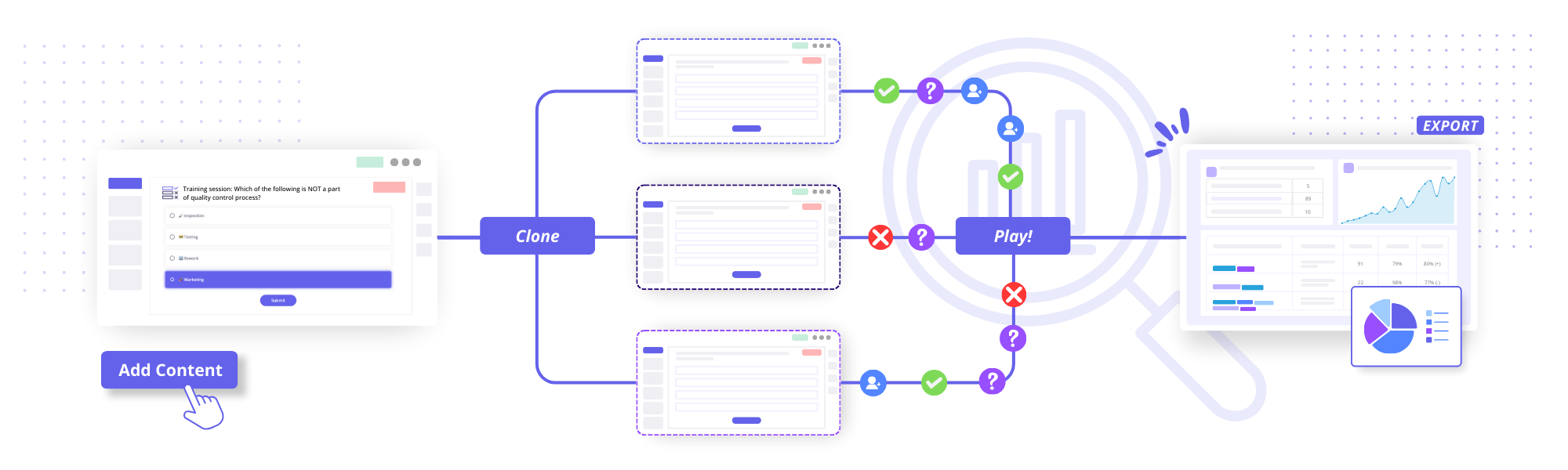
Streamline your distributed team meetings in four easy steps:
Create
Build a session that will serve as a template for recurring meetings, workshops, or presentations.
Duplicate
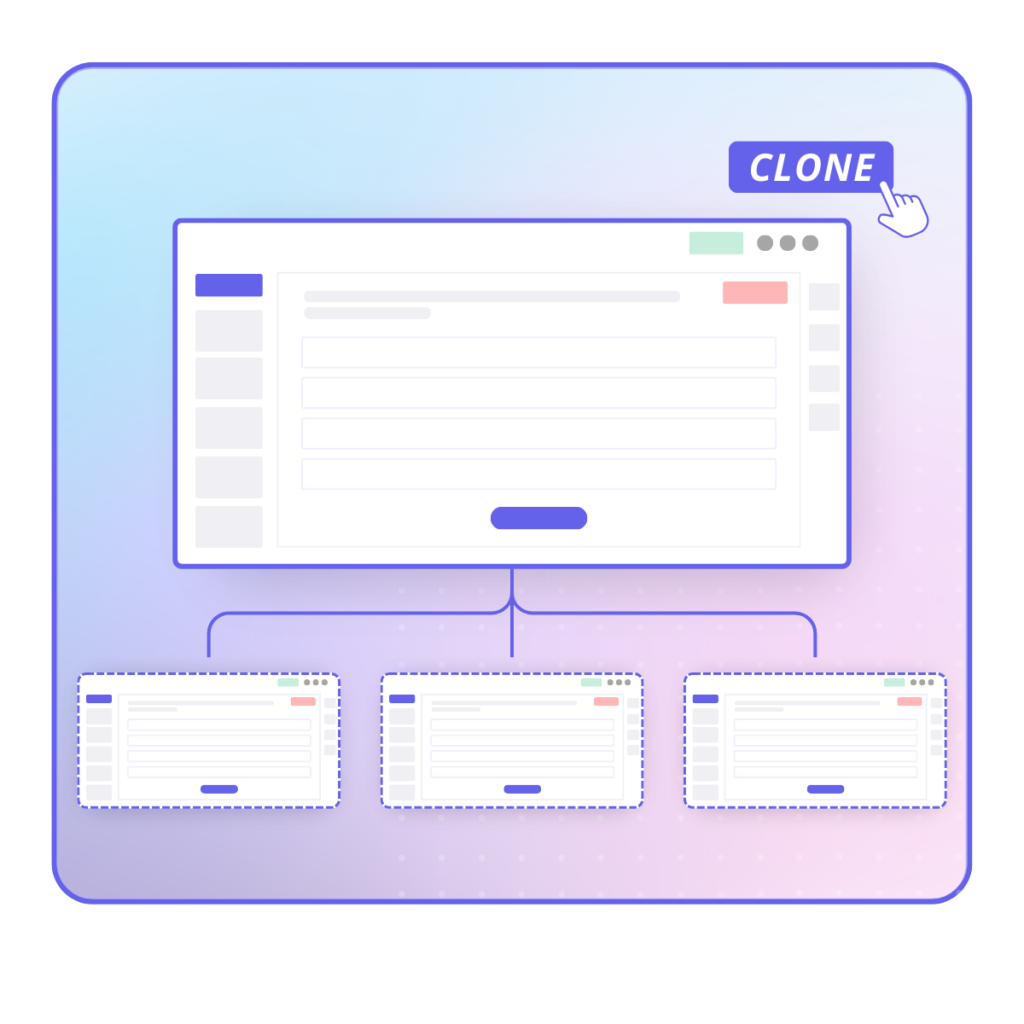
Allow other facilitators to create standard Clone Sessions by duplicating the Master Session in one click.
Play
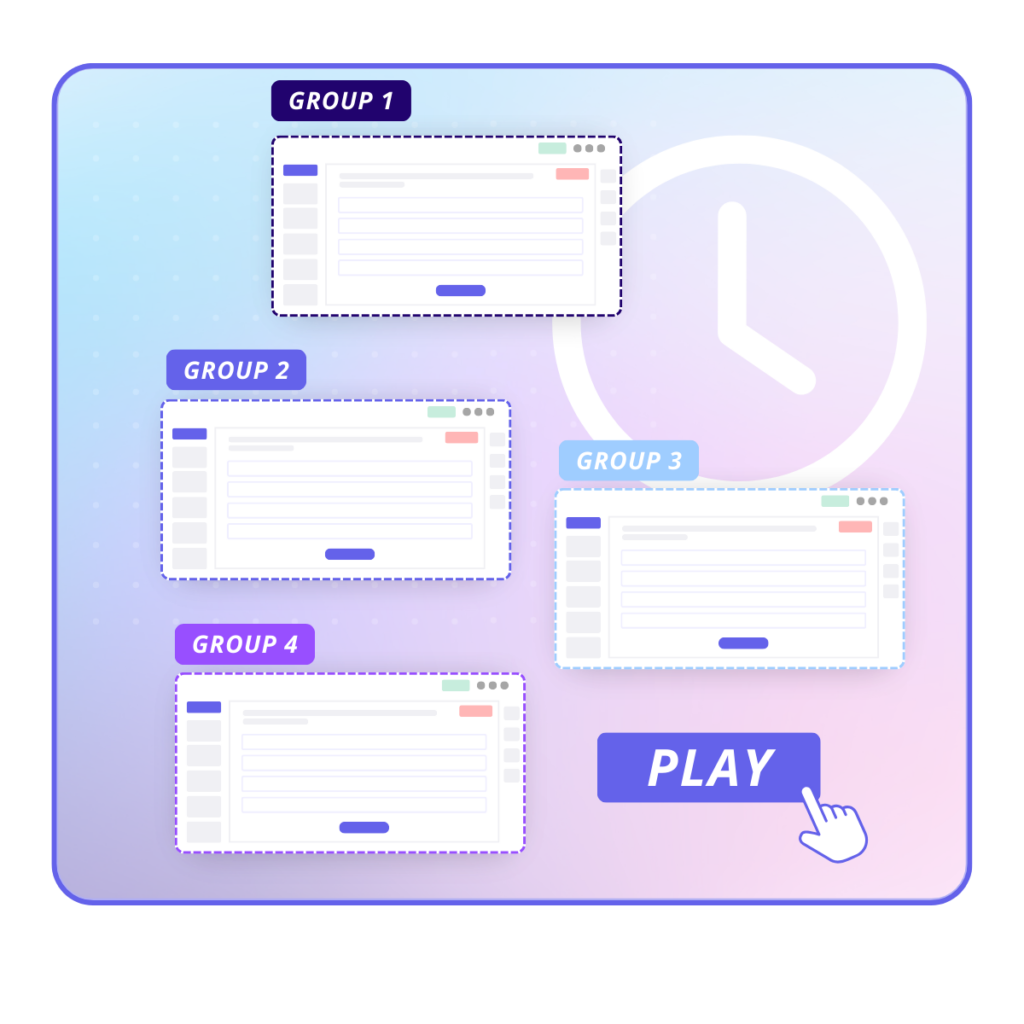
Different teams across different locations play the Clone sessions while results are consolidated in the Master session.
Track
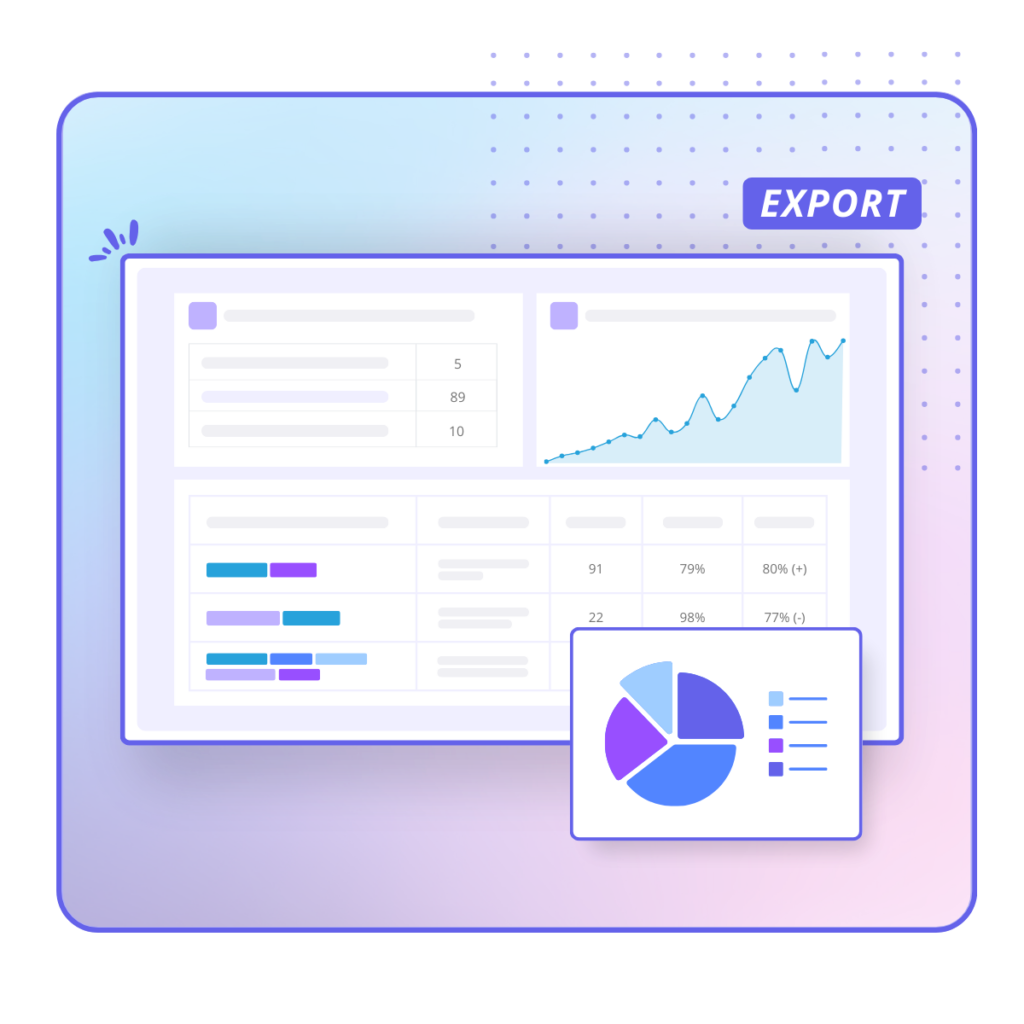
The Results Dashboard automatically aggregates results, allowing you to measure engagement, efficiency, and more in record time.
Master/Clone FAQs
Find answers to common questions about Beekast’s Master/Clone feature.
The Master/Clone feature is currently exclusive to our Enterprise plans. Interested in leveraging this tool? Contact us to learn more about our Enterprise solutions!
Sky’s the limit! With the Master/Clone feature, you can create as many sessions as you want. Whether you’re managing a handful of team meetings or rolling out a company-wide initiative, you have the freedom to create and clone sessions to meet all your organizational needs.
There’s no limit to the number of facilitators you can add to your Master Session. Empower your entire team to deliver consistent, high-quality sessions across your organization.
Beekast provides everything you need to host engaging and productive meetings. From interactive activities to templates, you get an all-in-one meeting management software for onsite, hybrid, and remote interactions. See all Beekast features.
You can start using Beekast in three easy steps:
1. Create a free account
2. Set up your first session with our interactive activities and templates
3. Invite participants to join in on the fun!